
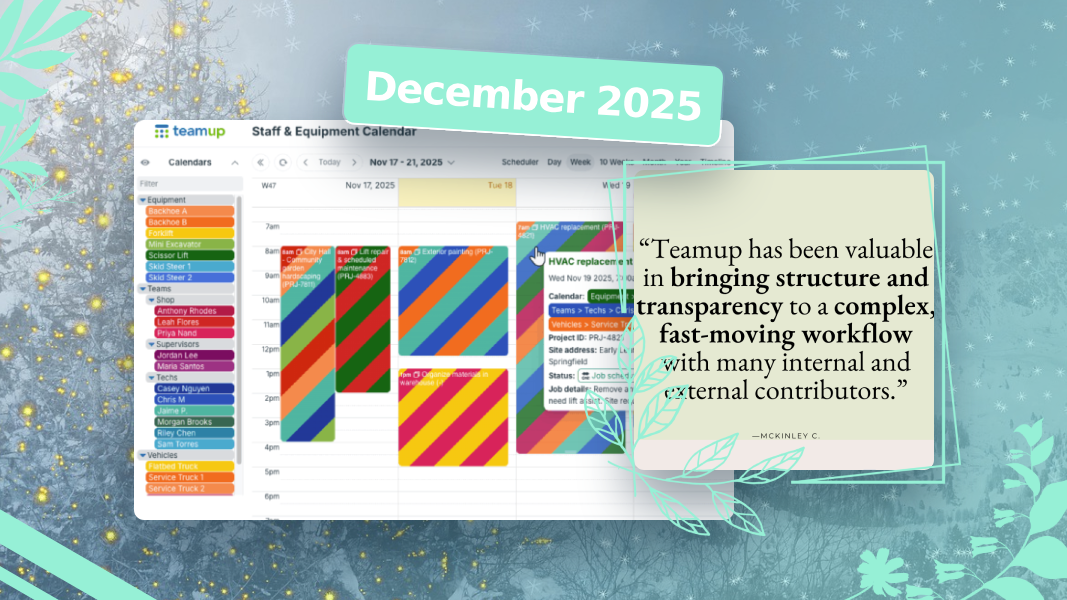
For our last monthly roundup of 2025, we’ve sharing more highlights, tips, and resources to help teams stay organized and efficient. See how to simplify scheduling, avoid resource conflict, and improve workflows with color-coding. As usual, check our some power tips and interactive demos, plus feedback favorites from December 2025. And don’t forget to create your own customized blank calendar printables for starting the new year right.
What’s inside
- New: Tiles view on Android
- Update: Adjusted Teamup pricing
- Highlight: Simplified scheduling for small service teams
- Solution: Avoid resource conflicts with a unified calendar
- Story: Color-coding for smarter scheduling
- Power tips and demos from December
- Feedback favorites from December
- Blank calendar printables
New: Tiles view on Android
Our unique Tiles view is perfect for displaying events with images with maximum visual appeal. Now Tiles view is supported on the Teamup app for Android. Support also coming soon for our iOS app!

Update: Adjusted pricing on Teamup subscriptions
To reflect the value we’ve added over recent years, address the rising cost of operations, and in particular, combat the severe impact of US dollar depreciation on Teamup as a Swiss company, we recently adjusted our subscription plan pricing.
The new pricing is effective for all new or reactivated subscriptions.
We truly appreciate your continued support and the trust you place in Teamup as your calendar solution. Our commitment remains focused on delivering a reliable, secure, and feature-rich platform that helps your team stay organized and productive.

Highlight: Simplified scheduling for small service teams

Coordinating work across a small service team can be unexpectedly complex. Jobs arrive throughout the day, schedules shift, technicians need current information on-site, and supervisors must track progress across multiple projects.
Teamup helps small service teams stay organized on all of these fronts:
- Operations managers and schedulers: Defining and assigning jobs
- Field technicians and engineers: Doing and documenting work
- Supervisors and operations staff: Managing projects and processes
Solution: Avoid resource conflicts with a unified calendar
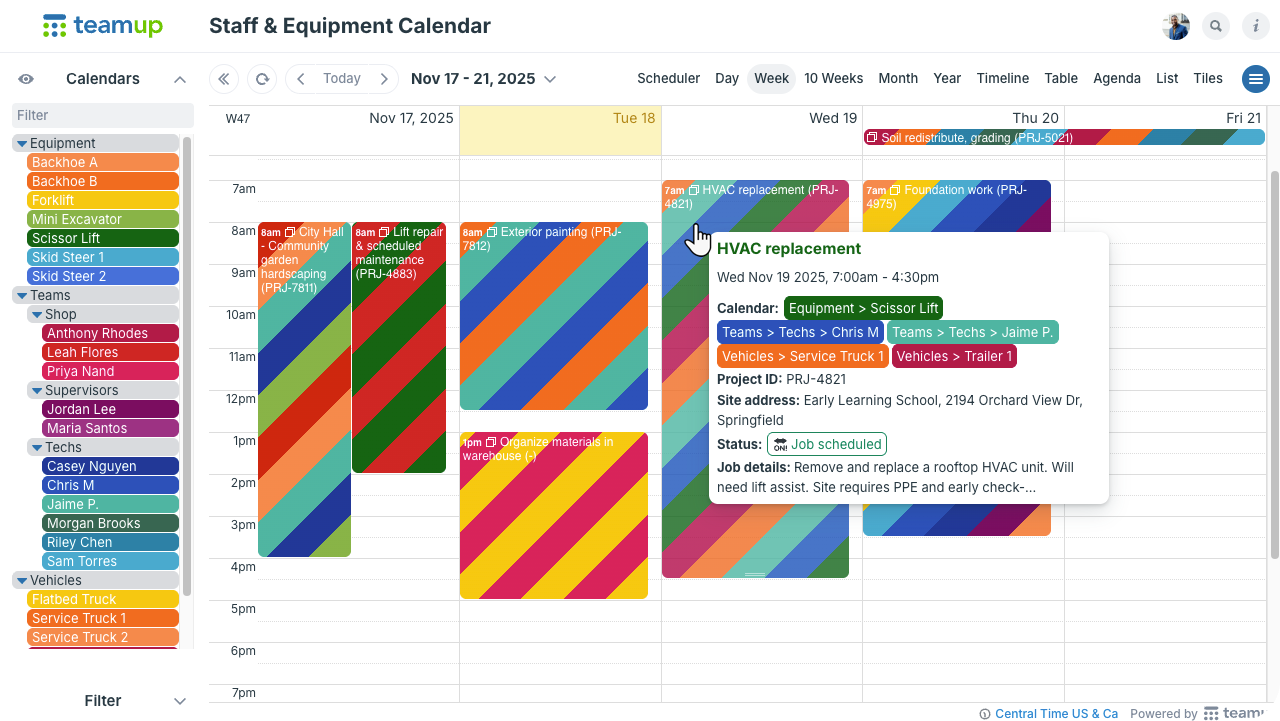
In many industries, work only moves forward when the right people and the right equipment come together. That equipment could include specialized lab machines, fleet vehicles, construction equipment, or shared supplies that teams use in rotation. When teams need the right equipment to work, separating schedules doesn’t make sense. A structured, unified calendar provides complete visibility in an organized way.
Avoid resource conflicts with a unified staff and equipment calendar
Story: Color-coding for smarter scheduling

This updated customer story is a great example of color-coding in daily operations. See how Frontline Housekeeping created a visual scheduling system that spans their entire workflow., making schedules easier to read and far more intuitive.
Color-coding for smarter scheduling: A cleaning service’s story
December’s power tips and demos
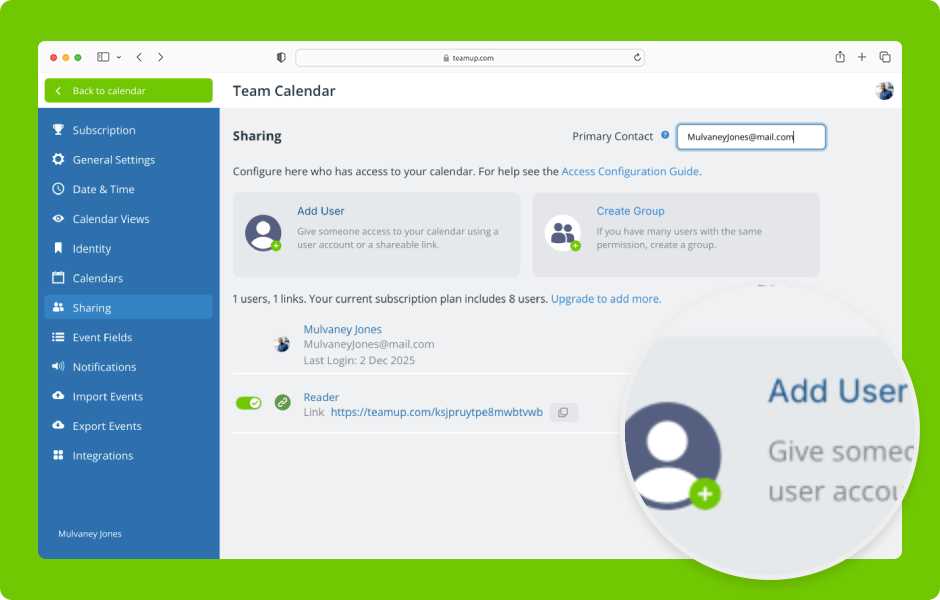
▶️ How to add calendar users
We recently updated the Sharing interface. There are now two buttons (Add User and Create Group) above the list of users, links, and groups. See how to add a user by email or add a link for sharing.
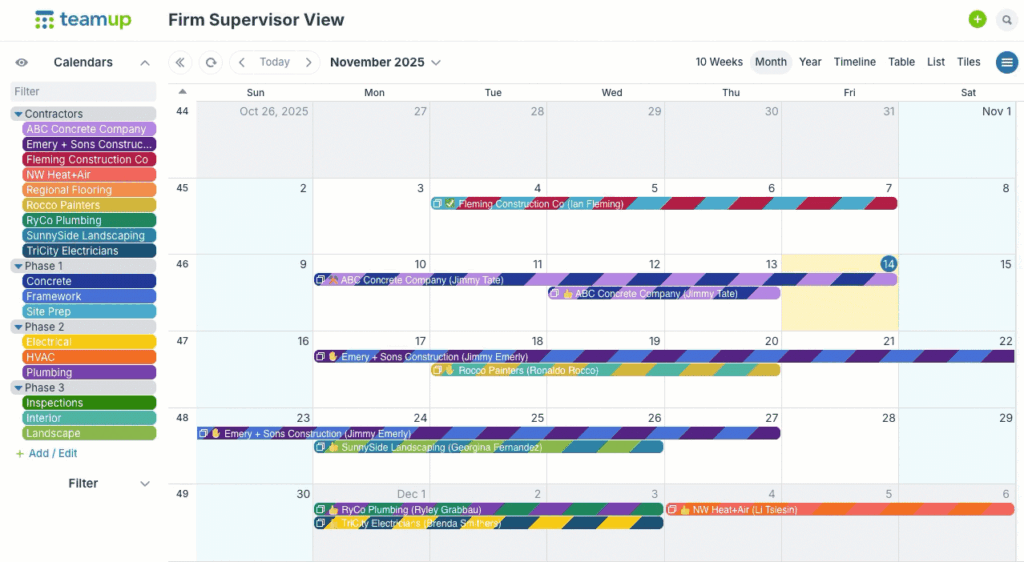
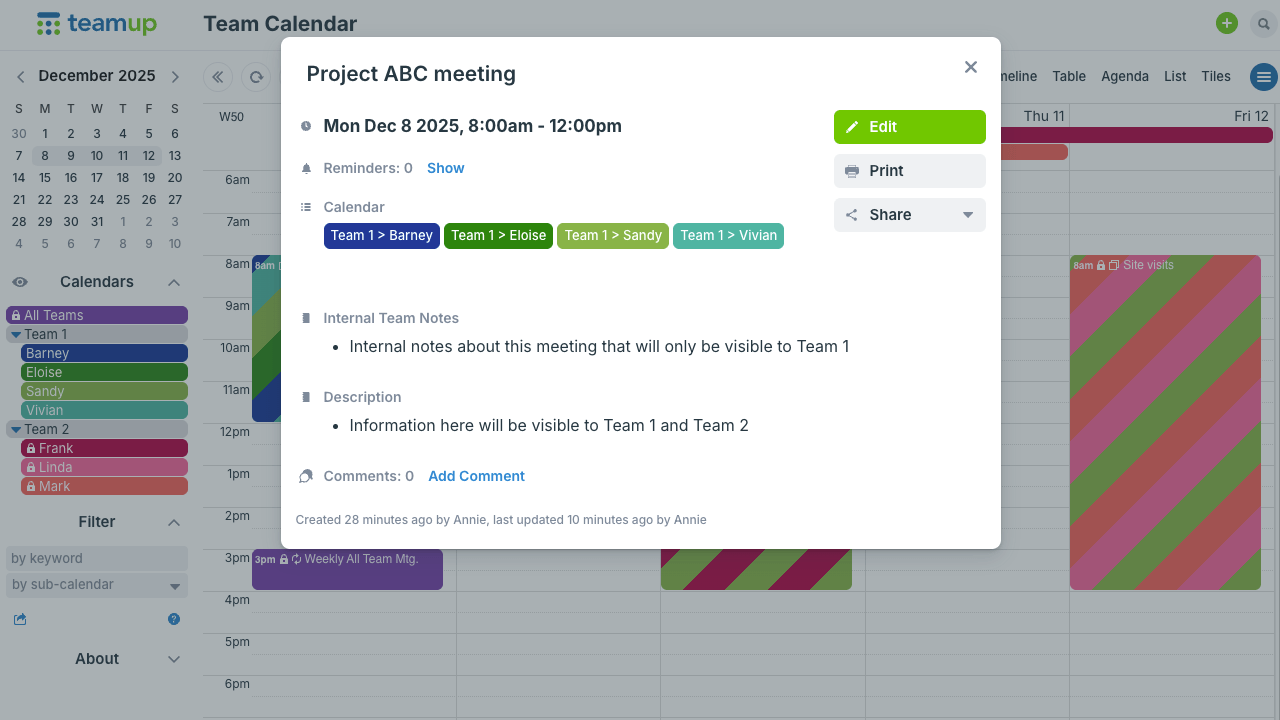
Let contractors see only their assigned jobs
If you work with external subcontractors, you may need to share certain information (like their assigned jobs) without sharing other events or information kept on the internal calendar. A shared calendar with granular permission controls can be set up to do exactly that.
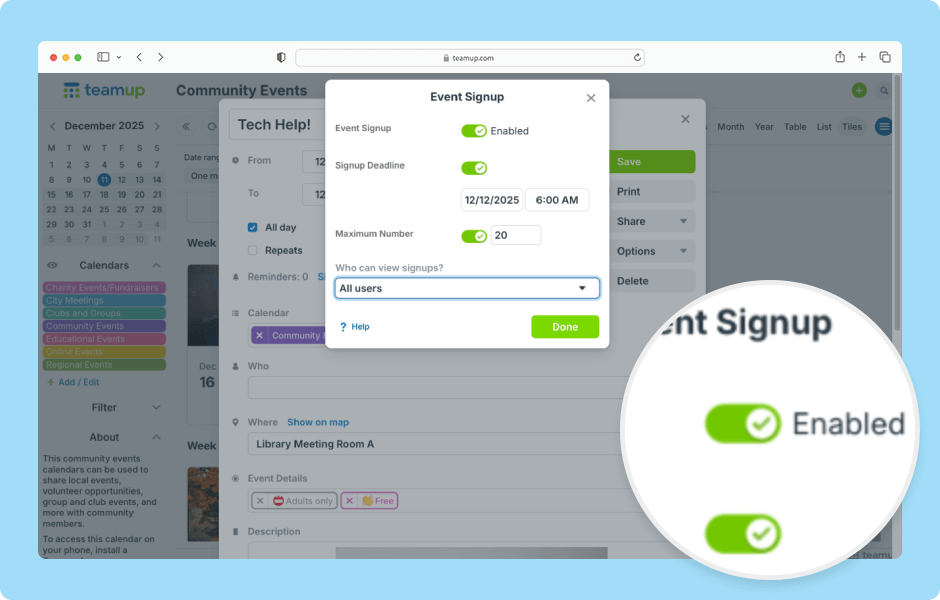
▶️ How to use event signups
Users with modify access can enable event signups and adjust signup settings on individual events. See also how to manage signups on the Teamup app.
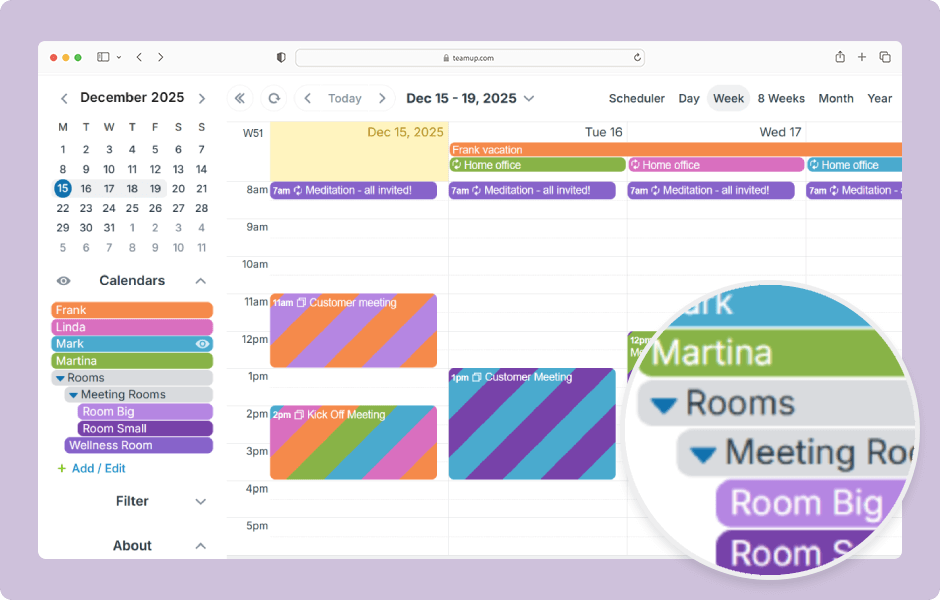
▶️ Organize sub-calendars in nested folders
Folders are a way to group sub-calendars and to create an organizational hierarchy for them. Folder organization makes it easier to find the sub-calendars you are looking for, or to work with only a group of sub-calendars.
Feedback favorites from December






Blank calendar printables
Go to Teamup’s Printables page and scroll to the Create a Customized Blank Calendar section with the printable widget to create your own custom blank calendar printables.
Get the thoughts and ideas out of your head and onto paper with these printable blank calendars for the next month and quarter.
To print: Ctrl-P on Windows or Cmd-P on Mac.
- Current quarter: January – March 2026
- Upcoming month: January 2026 (classic) or January 2026 (planner)
See more Teamup tips from December. New tickers are added daily, so don’t forget to check in regularly or subscribe via RSS. Make sure to subscribe to our newsletter for highlights and news delivered to your inbox. If you missed the latest, here’s the November Newsletter.
