Last updated Sep 20, 2022
Here’s a mobile user tip that can make adding new events quick and easy.
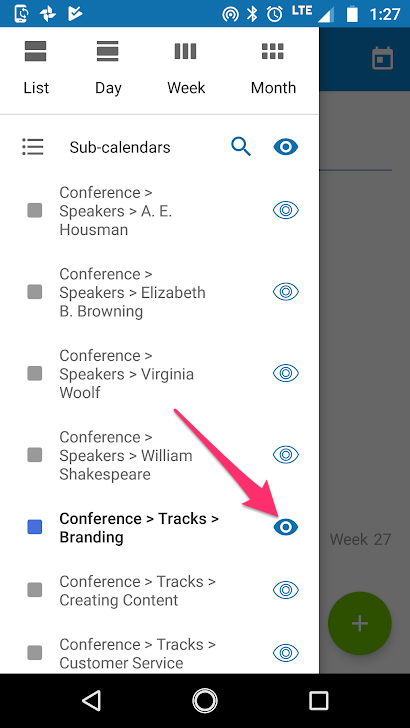
In the Teamup mobile apps, look on the sidebar for the list of sub-calendars. Tap the eye icon on the desired sub-calendar, to show this calendar only. Then, when you add a new event, that sub-calendar will be selected as the default.