
Last updated Sep 20, 2022
To easily show events from only a single sub-calendar, click the eye icon on the right side of the sub-calendar.
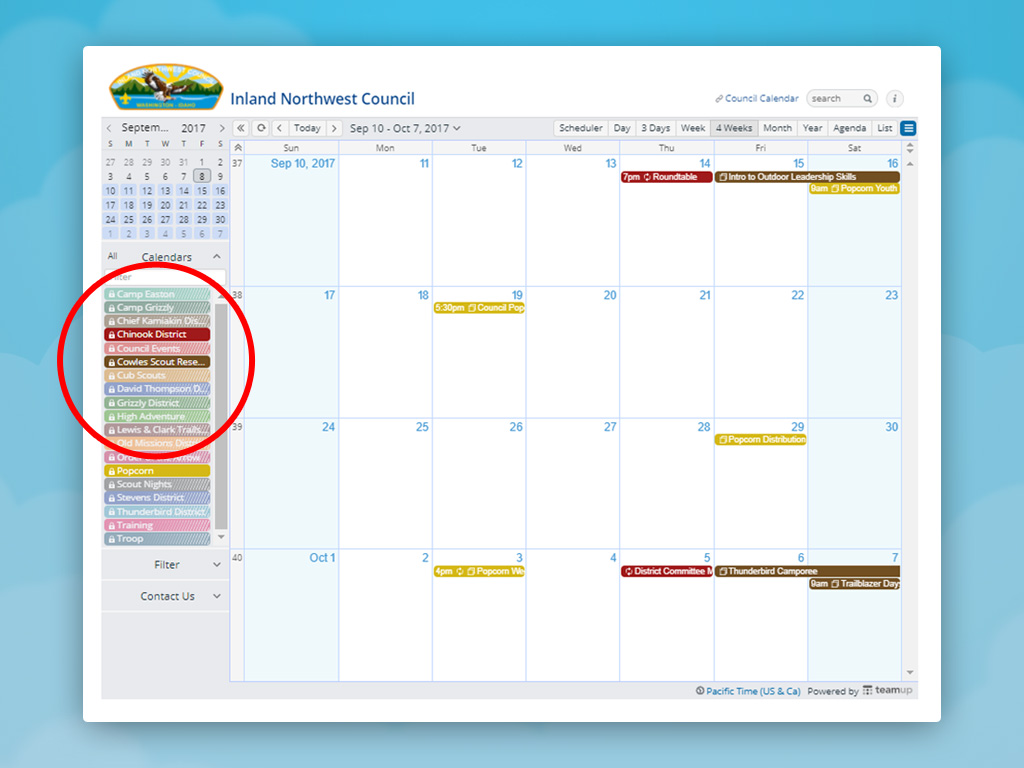
If you want to quickly see only the events from a single sub-calendar, you can do so with a single click. To toggle on a single sub-calendar (and simultaneously turn all others off), use the eye icon. In the sidebar, move your mouse over a sub-calendar; click the eye icon on the right to show events on this calendar only.
Click another sub-calendar to add events from it to the selected calendar, or to remove them from the view.
